Load
from 3D file ...
from the File menu of the 3-D Viewer: 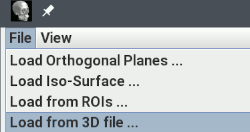
Jim can load objects into the 3-D display if they are defined externally in files that describe the shape as a set of polygons. Jim can load obects in these file formats:
Various tools in Jim can create VRML object files, including the Brain Finder and the the Fuzzy Connector. After a VRML file has been created on disk, it can then be loaded into the 3-D display.
To add geometry defined in one of the formats above, files, select Load
from 3D file ... from the File menu of the 3-D Viewer:
A dialog will now appear, for you to select the 3D geometry file.
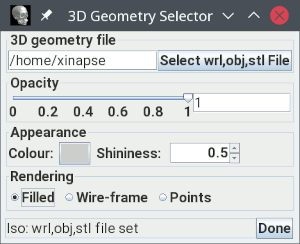
 button, or type in the path to
the geometry file name (and press return).
button, or type in the path to
the geometry file name (and press return).
Note: geometry files tend to be quite large and can take a long time to load.
If the geometry file contain suitable geometry that can be displayed by
Jim, then it will now appear in the 3-D display.
Note: Not all geometry files will contain geometry that can be
displayed, since they can describe other 3-D elements,
such as interactions and movement. If the VRML file does not contain
displayable geometric objects, Jim will pop up an error message.
You can change the appearance of the geometric objects displayed by changing the following settings:

 button and select the new colour from
the colour chooser that will pop up.
button and select the new colour from
the colour chooser that will pop up. spinner.
The pictures below are a VRML brain surface extracted by the Brain Finder, and a Wavefront OBJ file created externally.
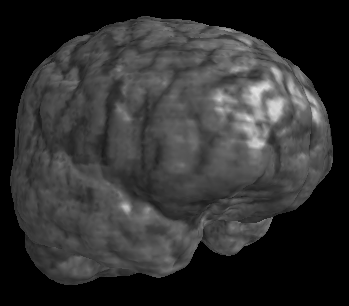 |
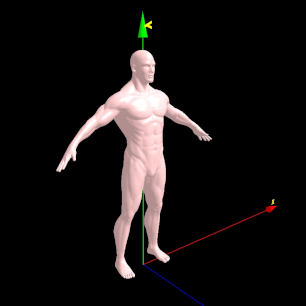 |
If you click the
 button, the
the objects will be removed from the 3-D viewer.
button, the
the objects will be removed from the 3-D viewer.